|
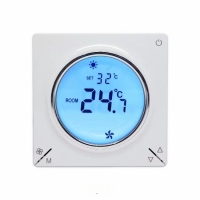
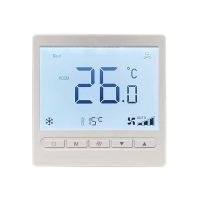
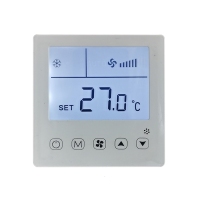
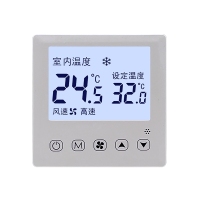
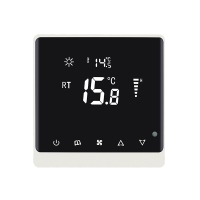
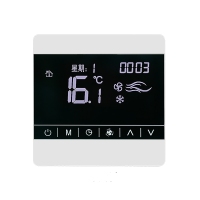
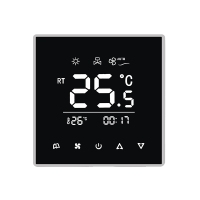
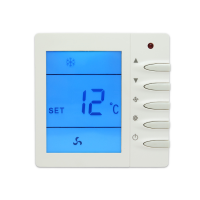
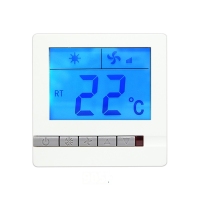
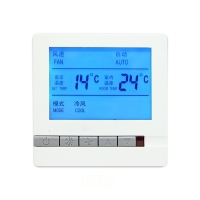
Model No.: T603Touch-operated smart fan coil thermostat - Multi-System Support – Compatible with AC/DC 2-pipe and 4-pipe systems, including floor heating & fresh air. Versatile Modes - Cooling, heating, floor heating/cooling, fresh air. - Size: 86mm*86mm*40mm 
Collect
Functions:1. Clock Adjustment - Enter: While on, press and hold the Fan Speed button for 5 seconds. - Adjust: Blue text indicates the active setting. Press Fan Speed to cycle through minutes, hours, and day-of-week. Use Up/Down buttons to change values. - Save & Exit: Press the Power button. 2. Timer Function -Enter: While on, press and hold the Mode button for 5 seconds. Adjust: Blue text indicates the active setting. Press Fan Speed to cycle through timer minutes, hours, and status. Press Mode to switch between timer-on and timer-off settings. Use Up/Down buttons to change values. - Save & Exit: Press the Power button. 3. Child Lock -Toggle: While on, press and hold both Up and Down buttons for 5 seconds to enable/disable. When enabled, all buttons except Power are locked. 4. Factory Reset - Action: While on, press and hold the Power and Down buttons together for 5 seconds. 5. Fault Alarm -Trigger: Sensor short-circuit or temperature outside -30 ℃ to 80 ℃ range. -Display: Shows "E1" on the screen and disconnects all loads. Returns to normal after the fault is cleared. 6. Frost Protection - Condition: Activated when the unit is off. - Action: Output turns on if room temperature ≤5 ℃ and turns off once it reaches ≥7 ℃, repeating this cycle. 7. Temperature Control Logic - Cooling / AC + Floor Cooling: Output turns ON when room temp > (set temp + start differential). Turns OFF when room temp ≤ (set temp - 1℃). - Heating / AC + Floor Heating / Hydronic Heating: Output turns ON when room temp < (set temp - start differential). Turns OFF when room temp ≥ (set temp + 1℃). - Note: Fresh air and refrigerant-based AC systems are not temperature-controlled. 8. Advanced Mode - Enter: While off, press and hold the Mode and Fan Speed buttons together for 5 seconds. - Navigate: Use Up/Down to select a category → Press Mode to enter → Adjust parameters with Up/Down → Press Mode again to return to the category list. - Save & Exit: From the category list, press the Power button. (Note: You must return to the category list to exit.) |